
 Compress by any platform
Compress your video online
Reduce the size of any video so it fits Discord, WhatsApp, email or social media. Nothing to install, and the quality holds up.
- Simple & fast to use
- No software installation required
- Compression without loss of quality
Video Compressor
 Drop a file hereMP4, MOV and MKV
 Lightning fast converter256-bit encryptedUnlimited conversions*
How it works
Compress your video like magic
Three steps, nothing to install, and your video is ready in seconds.
Import your video
Start the magic! Drag and drop your video into the dedicated space, or select it from your device or cloud storage.
Choose your target
Let the magic guide you. Pick the platform you are sending to, or set a custom size, and ZoomConvert works out the compression level.
Download your video
The magic is complete! Check the new size, click the download button and send your video on.
Why ZoomConvert
Why choose ZoomConvert?
Your professional solution for fast, reliable and secure video compression.
Secure
Let the magic work! Advanced security measures protect your video during compression, and the file is removed from our servers afterwards.
Adaptable
Any video format, a target for every platform and adjustable quality. Whatever your needs, our wand has you covered.
Limitless
Compress as many videos as you like, as often as you like. No daily quota, no queue, no waiting between files.

Start your 1 week access
Gain access to unlimited compressions and conversions to any file format

Fit any upload limit on Discord, WhatsApp or email
 Under 20 MB for Discord without Nitro
- Under 16 MB for WhatsApp videos
- Under 25 MB for Gmail, 20 MB for Outlook
- Quality tuned to the target, not a blind preset

Get clips ready for Reels, TikTok and Shorts
- Keeps 1080p and the original frame rate
- Vertical 9:16 and square videos stay untouched
- Convert MP4 to GIF for a looping preview
- Pull the audio out as MP3
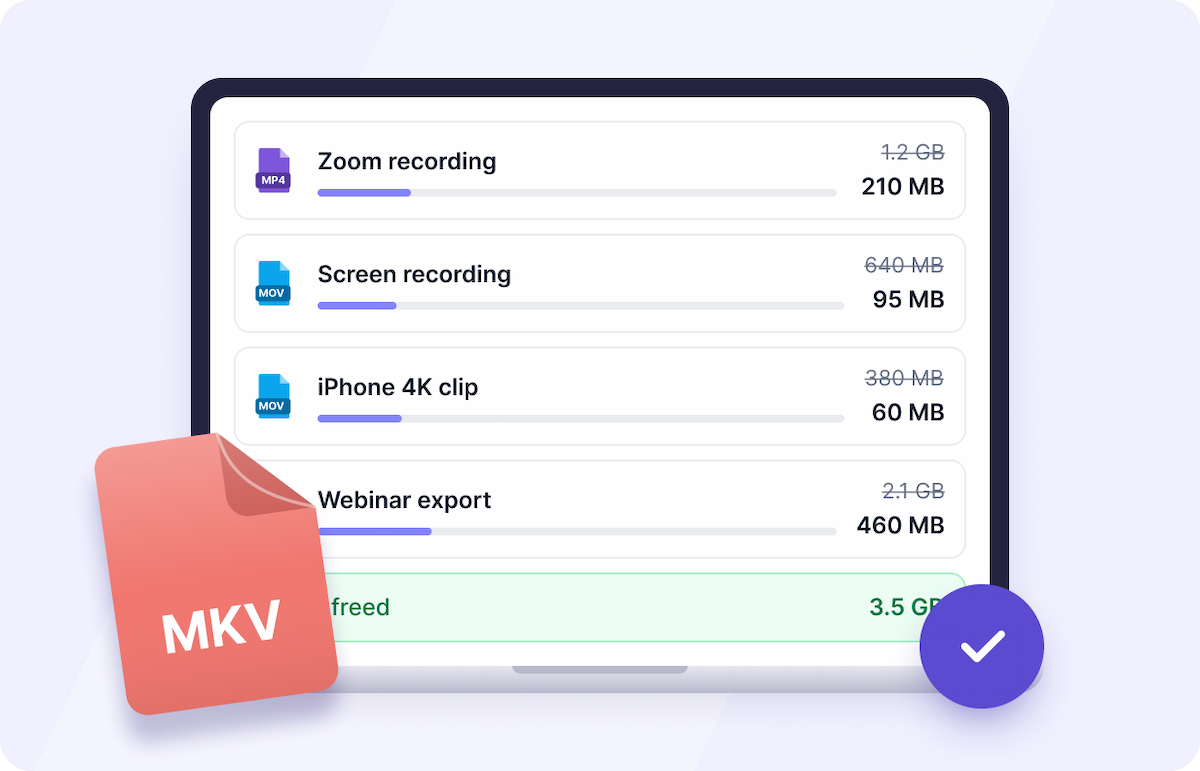
Clean up recordings and free up space
- Zoom, Teams and Google Meet recordings
- Screen recordings and 4K phone footage
- MP4, MOV and MKV files of any length
- Works in the browser on desktop and mobile
What our users say
Super easy and handy!
I love how straightforward it is to convert files without any hassle. The range of formats it supports is just amazing. Plus, being able to access files from Dropbox and Google Drive is a game-changer. Totally worth the price!
Patsy
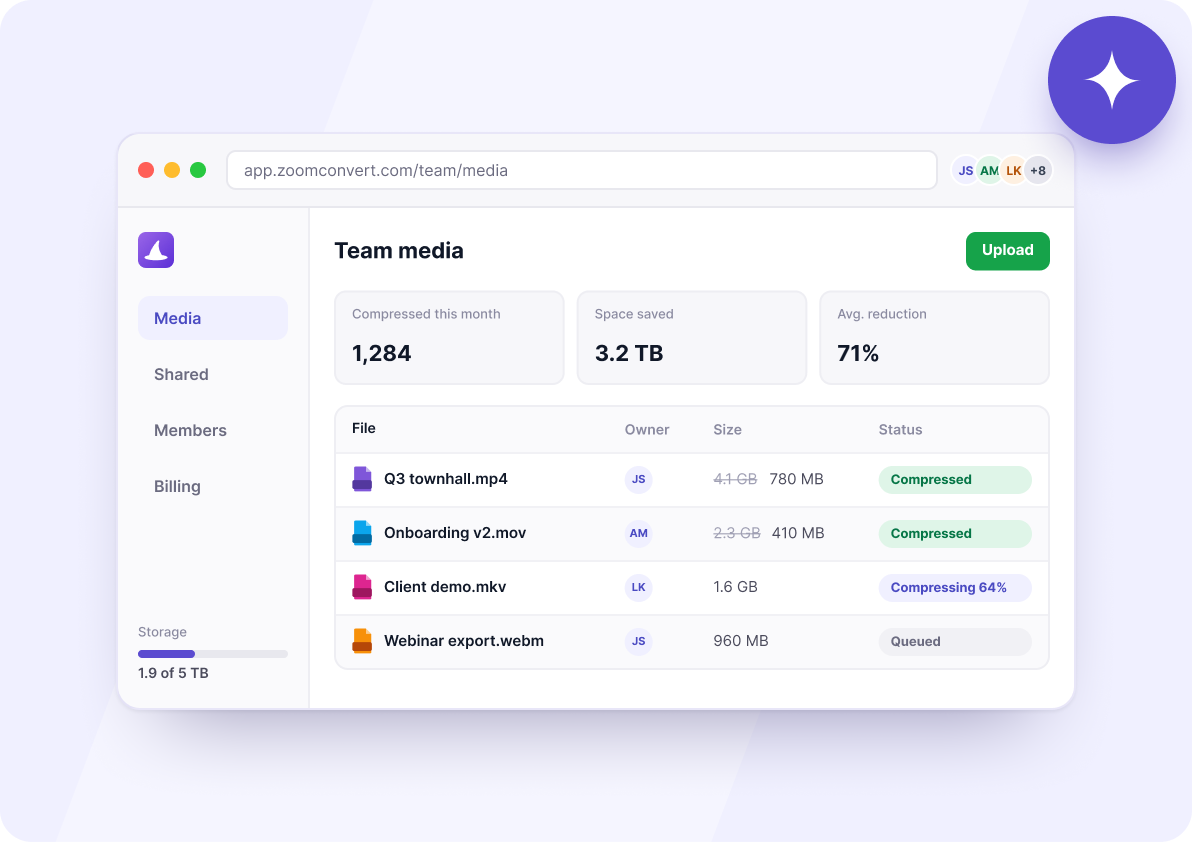
The ideal solution for businesses
- Centralized management
- Enhanced security
- Easy integration
- Priority support
Frequently asked questions
Whether you are new to ZoomConvert or want to get more out of it, these answers cover the questions people ask most about compressing video.
ZoomConvert re-encodes the video with a modern codec and picks the bitrate from the length and resolution of your file, rather than applying a fixed setting to everything. Most of the weight in a camera or screen recording is redundancy the codec can drop, which is why a file often loses 60 to 80% of its size with no visible difference. When a target is too small to hold the picture, we warn you before the encode rather than hand back a blocky video.
Discord accepts 20 MB without Nitro, WhatsApp around 16 MB for a video, Gmail 25 MB per message and Outlook 20 MB. Pick the destination and ZoomConvert aims just under that limit, margin included, so the file goes through the first time.
MP4, MOV and MKV. The file comes back with the same extension it went in with, so it keeps playing everywhere it played before: your editor, your media player, your CMS.
Yes. Everything runs in the browser, so there is nothing to install on iPhone or Android. Open the page, pick a video from your camera roll and download the lighter file when it is ready.
No, compression is one way: the data removed to make the file smaller cannot be rebuilt. Keep your original if you plan to edit it again, and send the compressed copy. ZoomConvert never alters the file you uploaded.
You can try it on your own video before paying anything. Downloading the compressed file is part of an access plan that also covers every other conversion on ZoomConvert, with no limit on the number of files.
